The OpenBSD-Based OS for Ethical Hacking & Pentesting
SecBSD is a free, operating system engineered for cybersecurity professionals, ethical hackers, and penetration testers. It also empowers hacktivists and privacy-conscious individuals with a robust and secure environment for their critical operations.
A security-hardened operating system for the modern security assessment
🔒
Proactive Security
SecBSD employs multiple layers of security including W^X, ASLR, and strict memory protections to prevent exploitation before it happens.
⚙️
Code Correctness
With extensive code audits and formal verification, we prioritize correctness over features to ensure system integrity.
🔍
Transparency
Everything is open source - inspect, modify, and verify every line of code that runs on your systems. Get the code.
Download
Choose your SecBSD desktop environment
SecBSD offers desktop-ready installation images specifically built for daily use, each with a different desktop environment ("flavor") so you can choose the one that fits your preferences:
We also provide a base installer: install18.img – it comes without a desktop environment and is ideal for advanced users who want to build their setup from scratch.
Whether you prefer a lightweight tiling WM or a full-featured desktop, SecBSD is flexible and capable enough to serve as your primary OS.
Tools
Cyber Warfare Toolkit & Security Ports
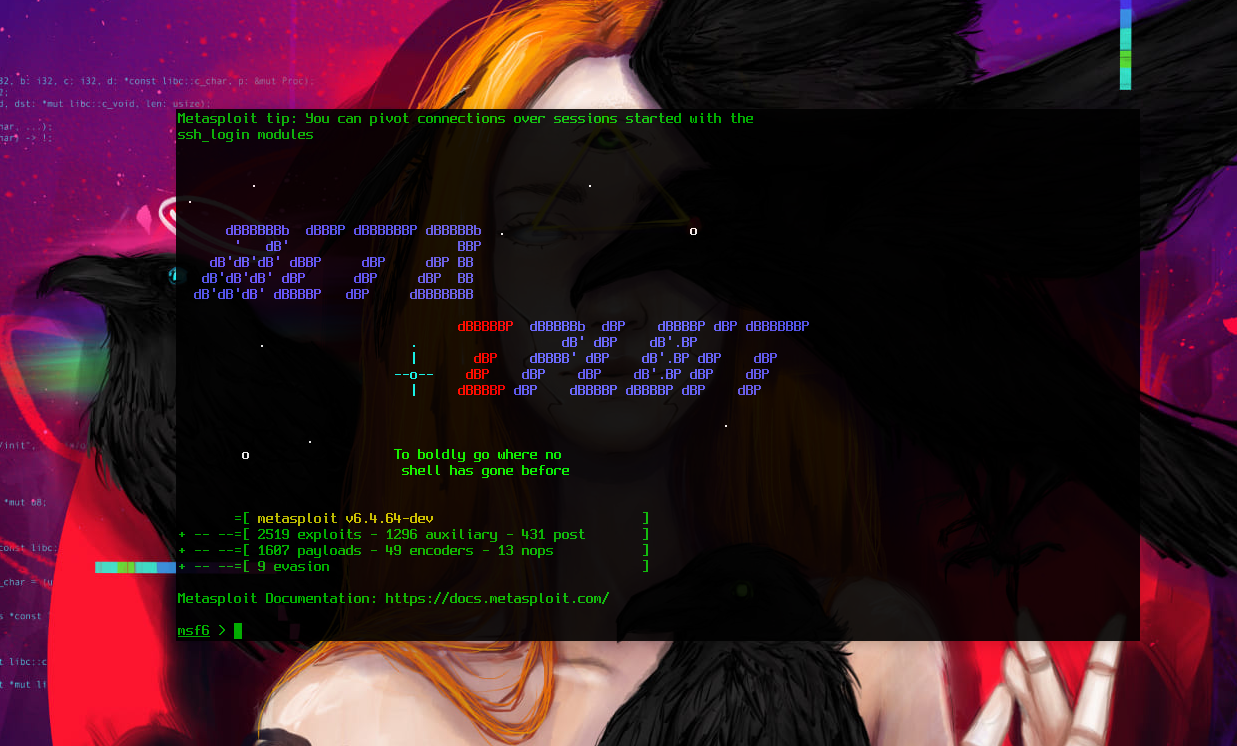
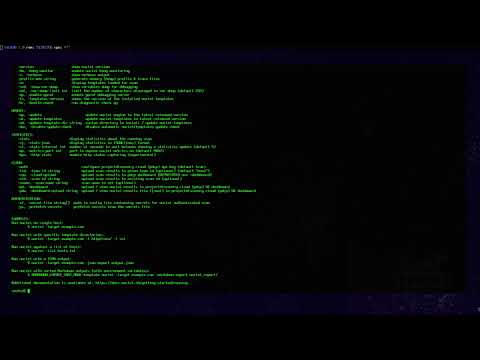
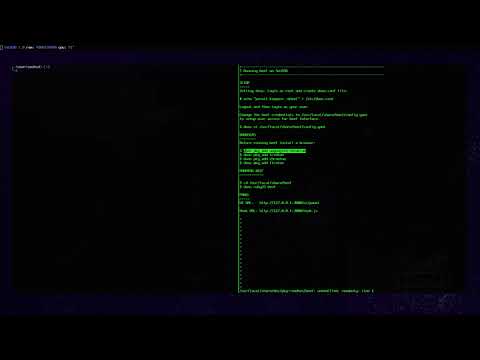
Metasploit 6.4.102
The world's most used penetration testing framework with hundreds of exploits and payloads. It is widely used by pentesters to execute exploits, deploy payloads, and work with compromised sessions during security assessments.
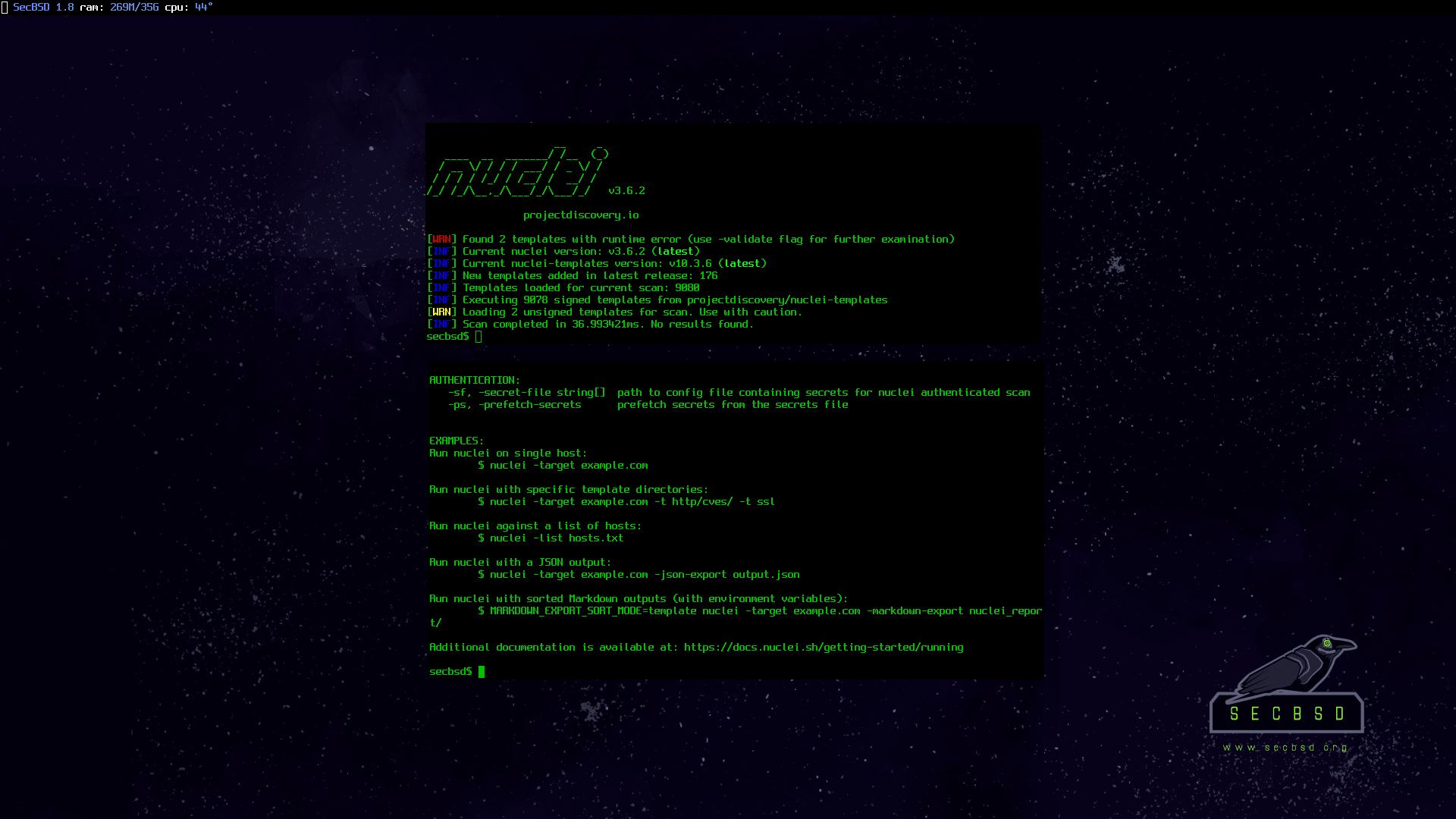
Nuclei 3.6.2
Vulnerability scanner that leverages YAML-based templates. It empowers you to design custom vulnerability detection scenarios that mimic real-world conditions, leading to zero false positives.
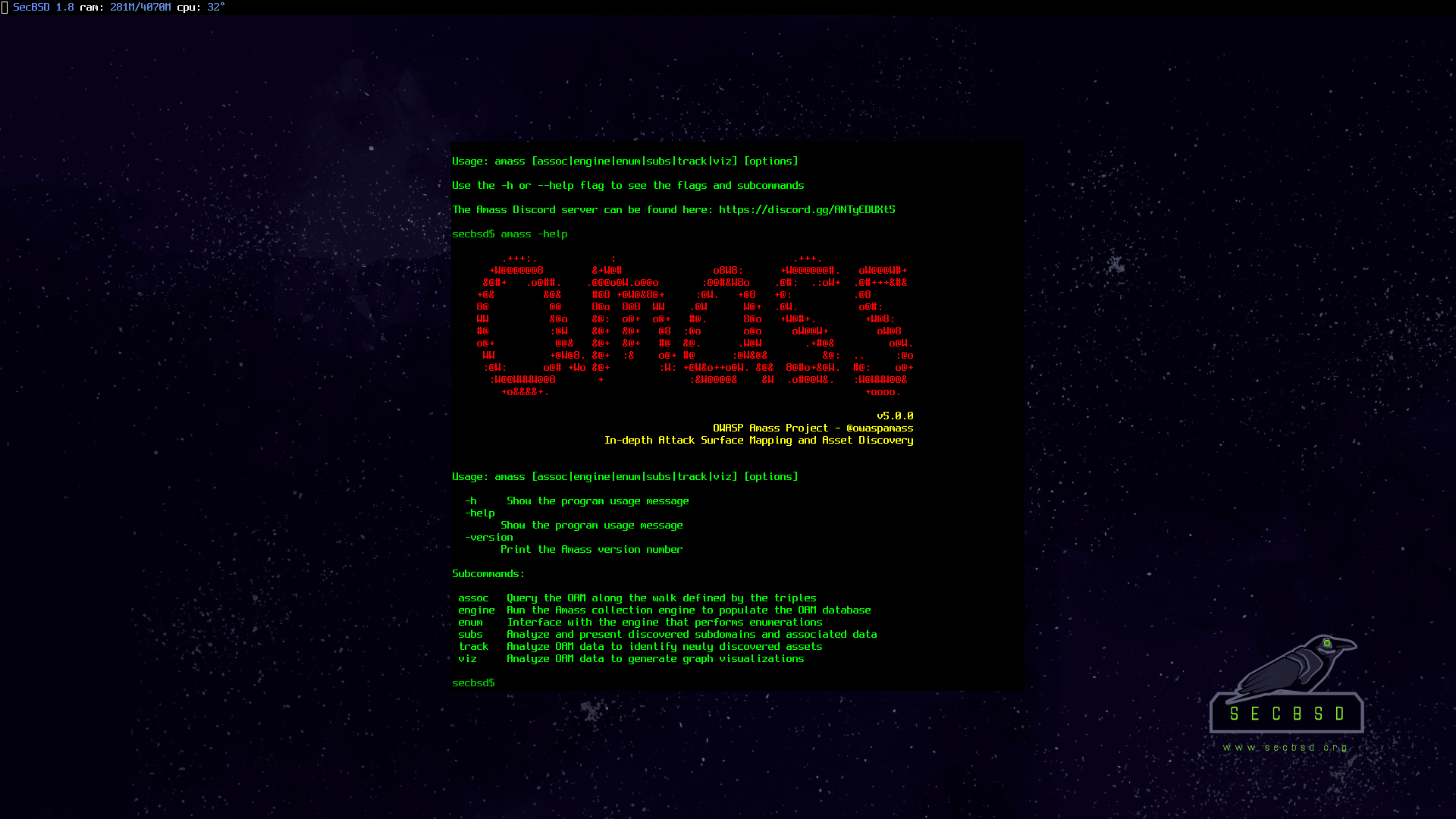
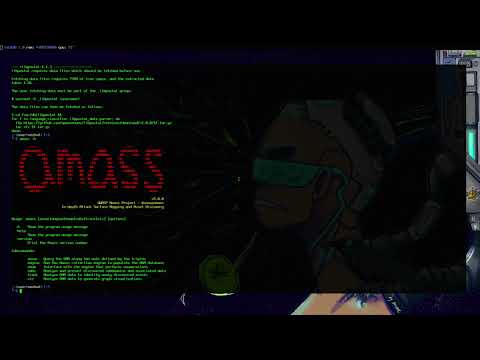
Amass 5.0.1
The OWASP Amass Project performs network mapping of attack surfaces and external asset discovery using open source information gathering and active reconnaissance techniques.
dcfldd, foremost, mac robber, oledump, oletools, regripper, sleuthkit, testdisk, volatility3
🖥️
Desktop Environments
cwm, dwm, enlightenment, kde plasma, icewm, mate, lxqt, windowmaker, xfce
🌐
Web Browsers
iridium, firefox, lynx, qutebrowser, tor browser, ungoogled chromium
✏️
Editors
leafpad, nano, neovim, vim
⛓️
Blockchain
bitcoin, solidity
Donate
Help us keep the project alive
SecBSD is free. But its development is not.
Every month the project must cover unavoidable expenses:
rent for the workspace, electricity for compilation workloads,
high-bandwidth internet for mirrors, and infrastructure for ISOs, updates,
and package builds.
January funding: 10 of 500 USD
To stay online and continue development, SecBSD needs to raise
$500 USD per month.
Your donation — even $5 — directly helps keep SecBSD running.
❤️
Support Our Project
Via PayPal
₿
Bitcoin
bc1q08d6vh93h43m9gpleu8kn9l6kuk3jrnxwrth2x
⟠
Ethereum
0xAe621c93985e199e7FA3CEE6D4F8CC956D2c933F
◎
Solana
7W3LDYfz8xehd6jAnjVhTMXWPUyXeaFE9ukpYnMs2jXH
Ł
Litecoin
ltc1qjhdm8gfnqdl6fc6cz357dk66eusapf7guhwwhk
Our Generous Supporters
The following is a list of people and organizations who donated to SecBSD:
Specialized and focus for different security roles:
• SecBSD is engineered as a ready-to-use environment for penetration testers including ethical hackers, cybersecurity analysts, red teams, blue teams and purple teams requiring specialized security tools.
• OpenBSD is tailored for infrastructure specialists such as network administrators and system engineers building secure servers, including web servers, mail servers, firewalls, and network appliances.
SecBSD inherits OpenBSD’s robust security architecture, which includes proactive hardening, code auditing, and exploit mitigation. Both systems play complementary roles in the cybersecurity ecosystem.
What makes SecBSD different from other security distros?
Built on OpenBSD's security-first foundation:
• Proactive Security Architecture: Unlike GNU/Linux-based distros, SecBSD inherits OpenBSD's rigorous code auditing, exploit mitigation (pledge/unveil), and memory safety features by default - eliminating the "hardening phase" required in typical GNU/Linux pentesting distros.
• Minimal Attack Surface: Default install has zero open ports, no non-essential services (unlike systemd-based distros), and uses OpenBSD's crypto stack - crucial for safe opsec during engagements.
• Stability Through Integration: All security tools are pre-compiled, dependency-resolved, and stress-tested against SecBSD's kernel and libc, avoiding GNU/Linux's dependency conflicts and tool breakage.
• Tool Reliability: Our curated toolset undergoes BSD-specific testing to ensure compatibility with OpenBSD/SecBSD's strict memory protections and privilege separation.
How often is SecBSD updated?
SecBSD releases at least one snapshot every month, based on the -current branch that we sync from the main OpenBSD CVS server. This allows us to always offer you an up-to-date version with the latest improvements and ongoing fixes.
Only in exceptional cases, when high-impact vulnerabilities arise, do we release an additional snapshot that includes the necessary security fixes. To get the latest update, simply run: $ doas sysupgrade -s and then $ doas pkg_add -Dsnap -u
Can I contribute hardware or sponsorships?
SecBSD welcomes both individual and corporate support. You can:
Donate financially via PayPal or crypto
Provide hardware such as laptops, internal or external hard drives, and ARM64 devices
Become a corporate sponsor to support infrastructure, hosting, or development
For corporate sponsorships or large hardware donations, please contact project@secbsd.org to discuss collaboration opportunities.
How does SecBSD look?
Curious how SecBSD looks in action? Check out screenshots from different desktop environments: